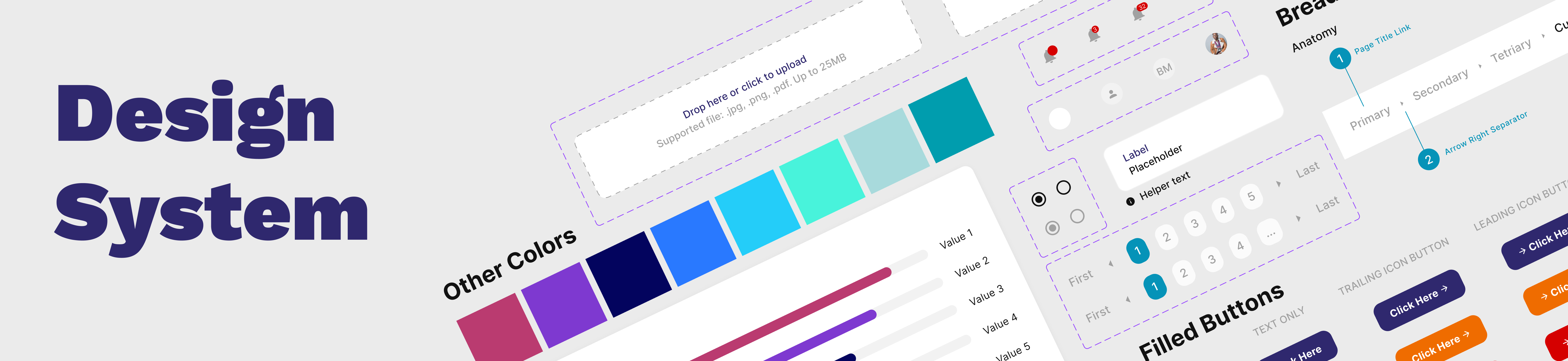
Overview
When every product looks different, nothing feels like a brand
Xetova is a B2B procurement and supply chain platform operating across multiple
products in the same ecosystem. By the time I came in, the product suite had grown
faster than the design process could keep up, resulting in four products that looked
and felt entirely different from each other, despite being built by the same company for the same users.
My task was to audit what existed, identify the inconsistencies, and rebuild the
design system from the ground up, covering every layer from colour tokens to documented
component guidelines — so that the entire team could build faster, more consistently,
and with confidence.
How do you rebuild a design system for 4+ products without stopping product work and make it stick once it's built?
The Challenge
Four products. Zero shared language.
Before the rebuild, every product had evolved independently. The result was a fragmented ecosystem where the same UI problem had been solved four different ways and none of them consistently.
Visual Inconsistency
Buttons, colours, and type styles varied across products. Users switching between tools felt like they were using products from different companies.
Duplicated Work
Every product was rebuilding the same components from scratch. Input fields, modals, tables; all solved repeatedly with slightly different results each time.
Slow Handoffs
Without a shared component library, design-to-dev handoffs required lengthy spec documentation and constant back-and-forth to clarify intent.
Onboarding Friction
New designers joining the team had no single source of truth to reference; they had to reverse-engineer patterns from existing screens before doing any new work.
The System
Six layers. Built in order. Designed to scale.
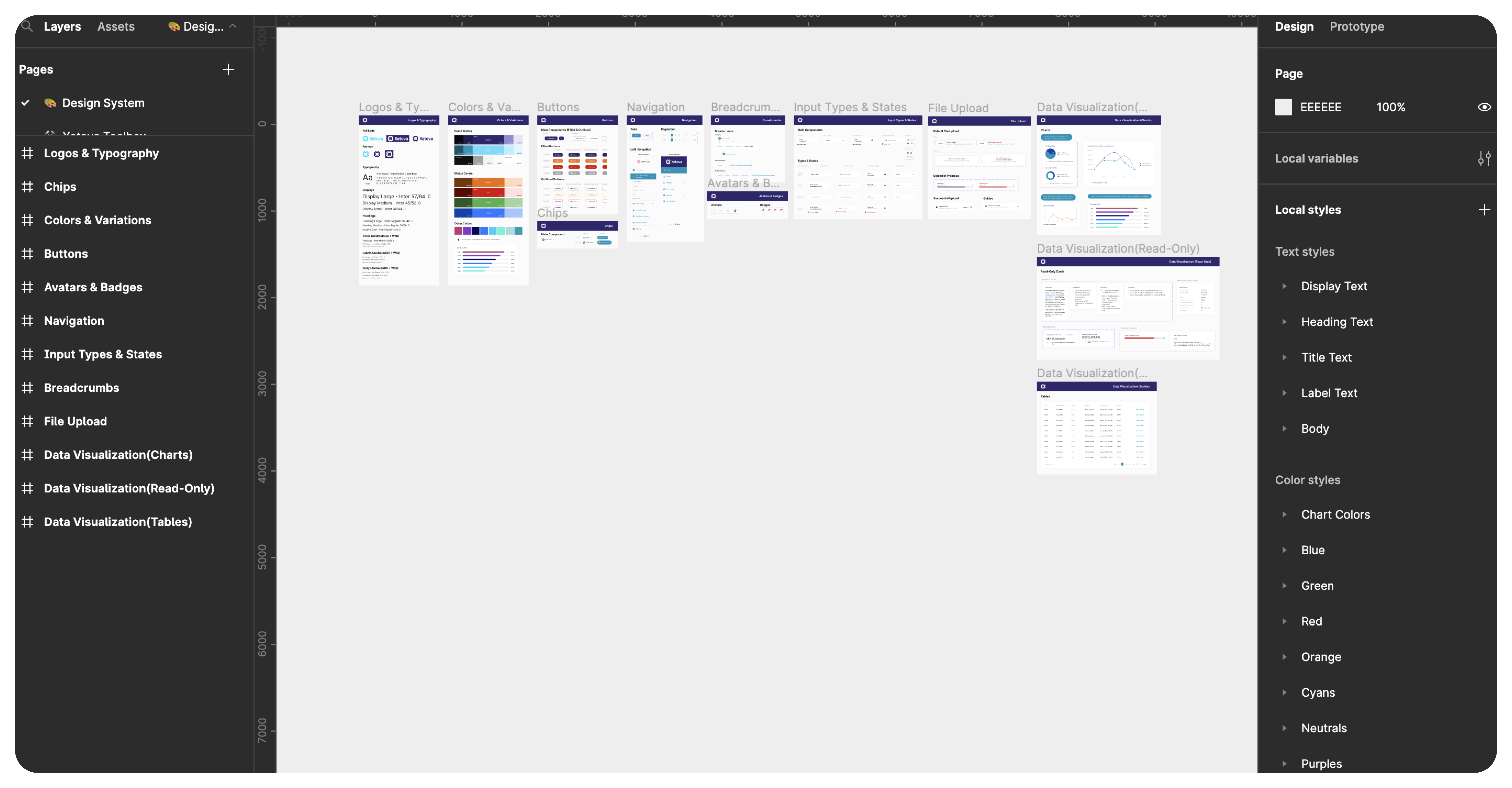
A design system is only as strong as its foundations. I built the Xetova system in layers, each layer depending on the one below it, so that changes at the token level would cascade correctly through every component automatically.
01
Colour tokens
Primitive palette → semantic tokens (primary, surface, error, success). No more raw hex values in components.
02
Typography scale
Display / Heading / Body / Label / Caption — each with defined size, weight, line height, and usage role.
03
Spacing & grid system
8pt base grid with a defined spacing scale (4, 8, 12, 16, 24, 32, 48, 64). Applied across all layouts and components.
04
Icon System
Standardised icon set with consistent stroke weight, sizing (16/20/24px), and naming convention.
05
Component Library
Buttons, inputs, modals, tables, cards, navigation, badges — all with variants, states, and auto-layout applied.
06
Documentation Library
Usage do's and don'ts, accessibility notes, and handoff specs — documented directly inside Figma for each component.
Key Design Considerations
The choices that made the system usable
Semantic tokens over raw values
- Instead of using colour hex values directly in components, I built a two-layer token system: primitive tokens (the raw palette) feeding into semantic tokens (what the colour means — primary, surface, destructive). This means a brand colour change updates everywhere automatically.
- Semantic naming forces intentional colour use — designers can't just pick any blue; they have to choose between "primary", "info", or "interactive", which aligns decisions across the team.
Components built for real usage, not ideal usage
- Every component was audited from existing products first — I designed what was actually needed, not a theoretically complete library. This kept adoption high because designers weren't hunting for components that didn't exist yet.
- All states were required — default, hover, focused, disabled, error. A component without its states isn't a component; it's a static mockup.
- Auto-layout throughout — every component resizes predictably. Designers can change label text or add an icon without breaking the layout.